NASCAR 26 September 18 Patch Notes
NASCAR 26’s fourth post-launch patch landed September 18 with three changes: the AI Skill Range slider was tuned, the default player count for All Tracks multiplayer lobbies was adjusted, and a bug that was showing incorrect Best Lap times in online sessions is fixed.
The patch dropped on the same day the standard edition of the game went live for PlayStation 5, Xbox Series X|S, and PC players who didn’t buy the Gold Edition. That means a lot of players loaded up NASCAR 26 for the first time with these fixes already in place.
Also see:
▶ NASCAR 26 AI Improvements: Pit Logic and Driver Ratings
▶ NASCAR 26 AI DNF: What Happens When AI Drivers Can Actually Retire from Races
For Gold Edition players who’ve been online since September 15, this is the fourth patch in as many days. That pace reflects how closely iRacing Studios has been watching the early release. The previous three patches dealt with multiplayer stability, career mode crashes, and hardware support for steering wheels. This one hits a different combination of issues.
What Changed in the September 18 Patch
Three changes made it into the official patch notes. Here’s each one.
AI Skill Range slider tuned. That’s the exact language from iRacing. No additional detail. The slider controls the spread of difficulty between the slowest and fastest AI drivers. Whether the range is now wider or narrower, and how it changes the feel at different preset levels, is not in the notes. Players who have been grinding against AI since launch will need to test and adjust after the update. At the mid-tier presets, you may notice opponents are either more bunched up or more spread out, but iRacing hasn’t said which direction it went.
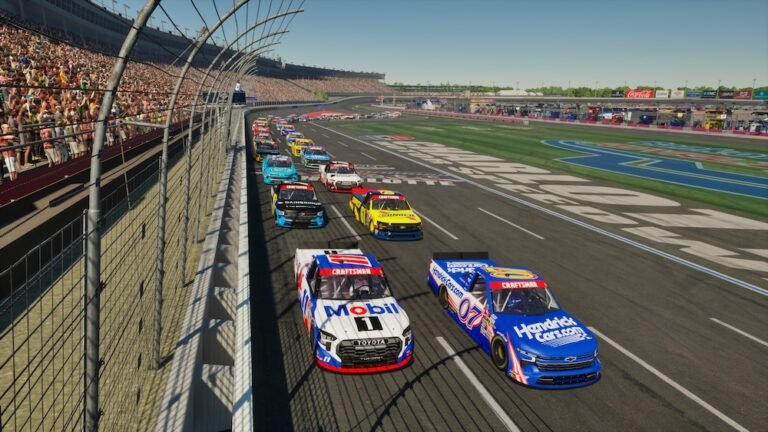
Default max player count for All Tracks multiplayer lobbies adjusted. All Tracks is a lobby type in NASCAR 26 where the host can race across any track in the game, rather than locking a session to a specific circuit. The default maximum player size for these lobbies changed with this patch. The patch notes don’t include the new cap, so you’ll see the actual number reflected in the lobby creation screen.
Best Lap display bug fixed. In online multiplayer sessions, Best Lap times in the lobby weren’t always showing accurately. The fix is in. If leaderboard times looked wrong before this update, the display should now be accurate.
The AI Note Problem
The AI Skill Range change is the item most players care about, and it’s also the least explained. Because iRacing didn’t describe the direction or magnitude of the change, players are going in blind. You’ll need to load up a practice session, run against AI at your usual difficulty settings, and see whether they feel faster, slower, or more consistent before and after the patch.
The broader pattern across the first week of patches is a minimalist approach to communication. The September 15, 16, and 17 notes were also brief. That’s a frustrating dynamic for a game where a core mechanic like the AI difficulty system needs players to make deliberate choices about their slider settings.
Hopefully a mid-month update or a post from iRacing Studios gives more context on what these AI adjustments have actually changed. In the meantime, some testing at your preferred difficulty level is the only way to gauge the impact.
How to Apply the Update
On PC, Steam applies the update automatically the next time you launch the game. On PlayStation 5 and Xbox Series X|S, updates typically install in the background, but if your game is not showing the latest version, go to the game tile on your home screen and select Check for Update.
The September 18 patch is available to all NASCAR 26 players. You don’t need the Gold Edition to get these fixes.