How to Use Race Weekend Practice to Get Faster in NASCAR 25
NASCAR 25 doesn’t have a dedicated Test mode where you can just lap freely outside of a race weekend. What it does have is race weekend Practice, and if you know how to use it, you don’t need anything else.
How to Find Speed Without Changing the Setup
Finding Speed on Intermediate Ovals
How to Be Fast for an Entire Fuel Run
The Practice session is available during the race weekend flow before Qualifying. You can run as many laps as you want, pit freely, and adjust your setup between runs. That’s your testing window. The key is going in with a plan instead of just lapping.
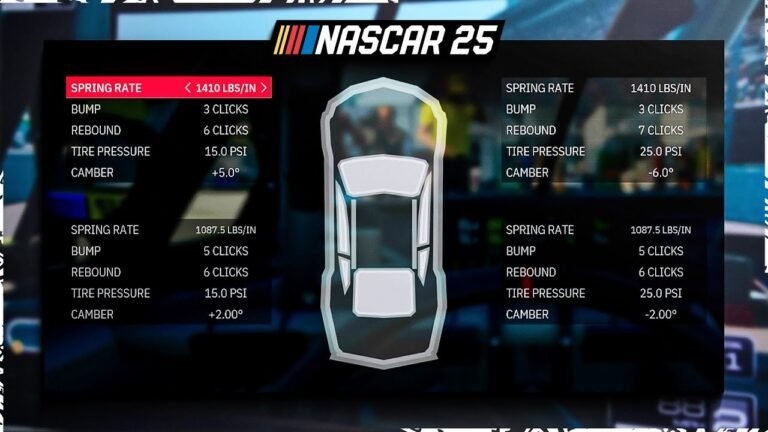
Start with a setup baseline. If you’re running a default or community setup, take five laps to get comfortable with it before changing anything. Most players adjust after one bad lap. That’s not enough data. Five laps tells you if the issue is the car or the corner.
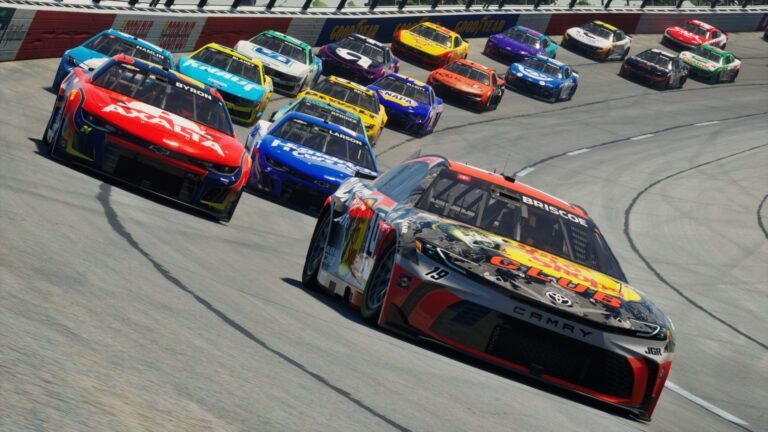
Once you have a feel for the car, run a long run. Put on fresh tires and go fifteen to twenty laps without pitting. This tells you how the car handles as tires wear, how your fuel window looks, and whether the balance changes late in a stint. A car that’s perfect on lap one can be undrivable on lap eighteen.
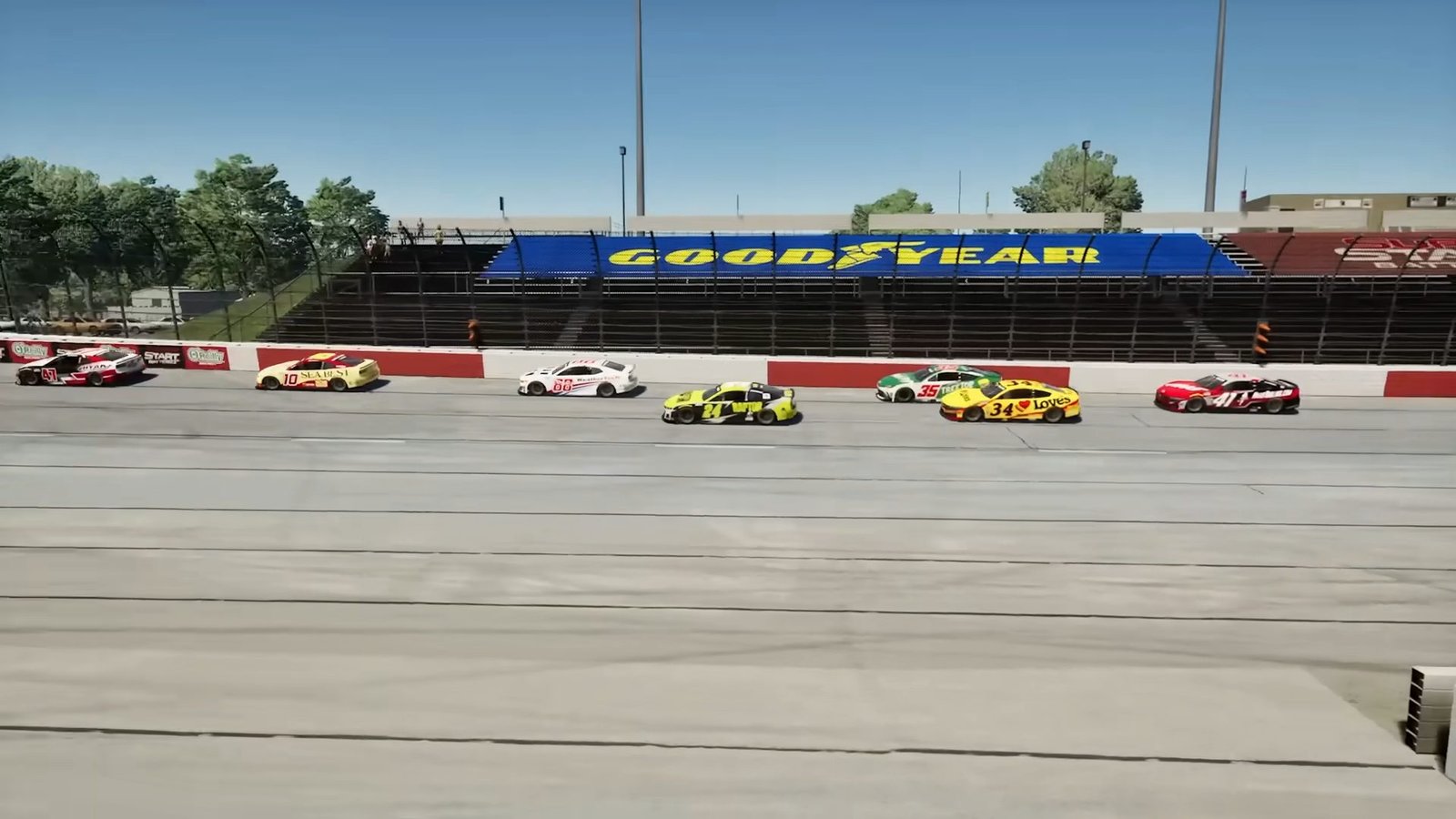
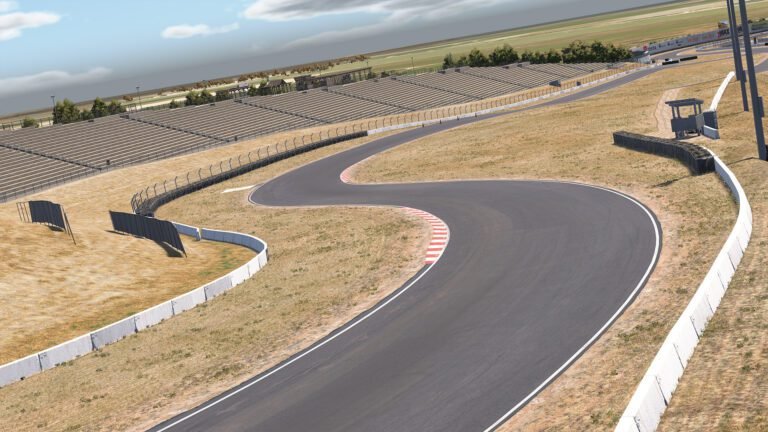
Use Practice to learn the specific track. Every oval in NASCAR 25 has its own quirks, and the fastest line on one intermediate isn’t the fastest line on the next. Find the inside edge of the track on exit, figure out where you can carry more speed through the middle, and identify the corners where being patient actually gains time.
If you’re racing with AI, Practice is also your chance to dial in the difficulty. Run five laps, check the gap to the AI field. Too close or too far, adjust the slider before you hit Qualifying. Starting the race at the right AI level is worth more than any setup tweak.
Don’t skip Practice to save time. It’s the fastest way to cut seconds off your race pace before the green flag drops.